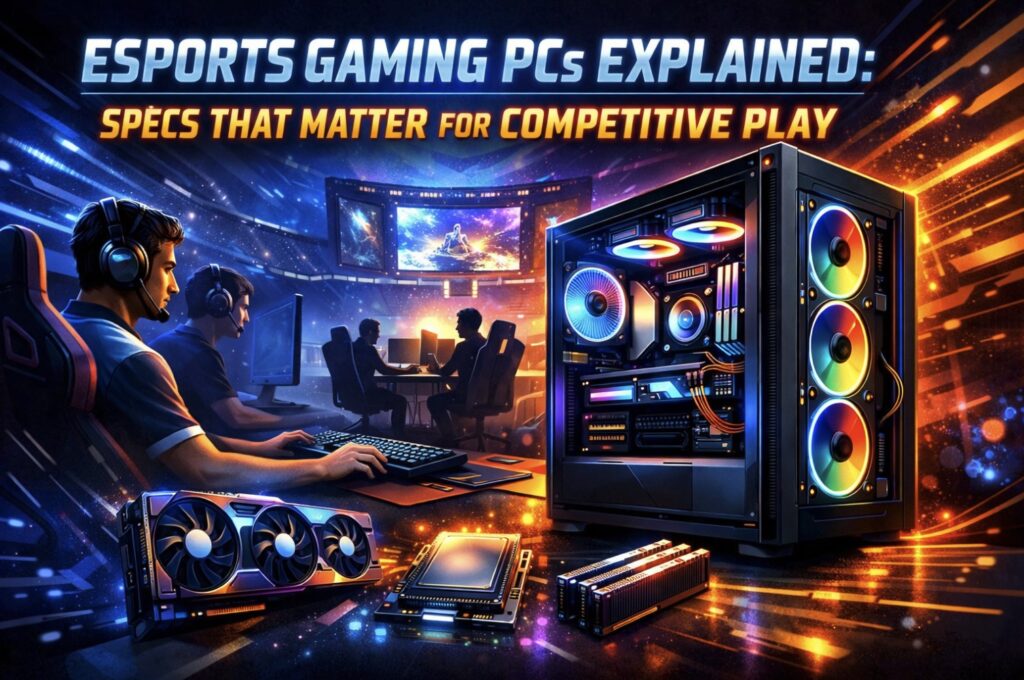
Competitive gaming operates on razor-thin margins where milliseconds dictate the outcome of a match. While visual fidelity drives the marketing for single-player adventures, titles like Counter-Strike 2, Valorant, and League of Legends demand a completely different hardware philosophy. The priority shifts from 4K textures to frame time consistency and system latency. Selecting the right esports gaming PC involves understanding which components directly influence your ability to track targets and react to on-screen information without delay.
The Processor: The Frame Rate Engine
Many gamers mistakenly prioritize the graphics card above all else, but in the realm of competitive shooters played at 1080p, the CPU reigns supreme. The processor handles physics calculations, player position updates, and local world-state synchronization. If your CPU cannot keep up with the game engine, your powerful graphics card sits idle, waiting for instructions. This bottleneck results in fluctuating frame rates that disrupt muscle memory.
To maintain a locked high frame rate, prioritize these CPU characteristics:
- High single-core performance to process game logic quickly.
- Large L3 cache sizes to minimize the time the CPU waits for data.
- High boost clock stability for consistent performance during extended gaming sessions.
A modern processor with these traits guarantees that your system maintains high “1% low” frame rates. This metric matters more than average FPS because it represents performance during the most chaotic moments – smoke grenades popping, ultimates firing, and multiple enemies rushing a site.
The Graphics Card: Latency and Clarity
While the CPU dictates the maximum possible frame rate, the GPU is responsible for rendering those frames and delivering them to your monitor. In esports, raw rendering power is used to reduce system latency rather than push pixel counts. Technologies like NVIDIA Reflex and AMD Anti-Lag integrate directly with the GPU to synchronize the processor and graphics card, significantly cutting the time between a mouse click and the action appearing on screen.
When selecting a GPU for competitive play, look for these features:
- Hardware-based latency reduction technologies.
- Sufficient cooling to prevent thermal throttling during long sessions.
- High clock speeds and architectural efficiency for maintaining clear image stability at high frame rates.
Finding a system that perfectly balances these components can be challenging for non-builders. This is where specialized retailers add value. HyperCyber offers powerful gaming PCs, both prebuilt and custom, that are specifically tuned to eliminate bottlenecks. Their configurations focus on the synergy between CPU and GPU, guaranteeing that you get the responsiveness required for ranked play without overspending on unnecessary aesthetics.
Memory and Storage: Speed and Consistency
System responsiveness extends beyond the primary processors. Random Access Memory (RAM) acts as the high-speed workspace for your PC. Slow memory can starve a fast CPU, causing micro-stutters that feel like a momentary freeze. For esports, bandwidth and latency are the primary concerns.
Storage speed also plays a role, particularly in asset loading and system boot times. While an SSD won’t strictly increase your in-game FPS, it minimizes asset loading hitches and allows you to load into the map faster than your opponents, giving you extra seconds to plan your strategy.
Consider these specifications for memory and storage:
- Dual-channel memory kits to double the available data bandwidth.
- Low CAS latency timings for snappier data access.
- NVMe M.2 drives for near-instant application loading.
The Importance of Thermal Management
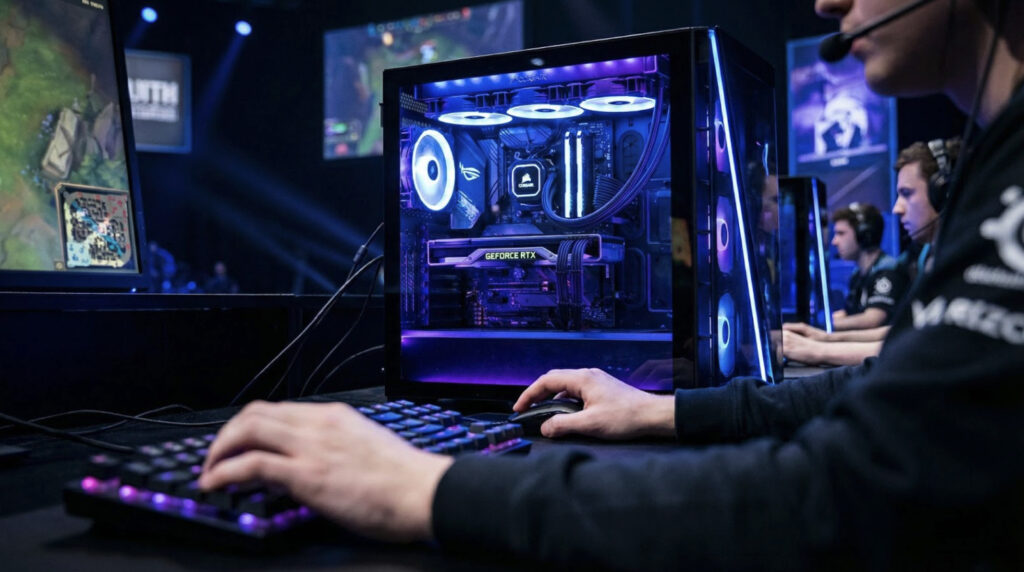
Performance means nothing if it cannot be sustained. Heat is the natural enemy of electronic components. As temperature rises, modern hardware automatically lowers its speed to protect itself, a process known as thermal throttling. In a competitive environment, a sudden drop in clock speed results in a stutter that can lose you a critical round.
An effective cooling strategy includes:
- High-airflow cases with mesh front panels.
- Quality CPU coolers capable of handling sustained load.
- Positive air pressure setups to reduce dust buildup.
Maintaining low temperatures allows your hardware to boost to its highest potential frequencies and stay there. Consistency is the key to building muscle memory. When your PC performs exactly the same way every time you engage an enemy, your brain can focus entirely on the game mechanics rather than compensating for hardware lag.