 By
By From Prototype to Production: Google Just Added Free Cloud Credits to AI Pro & Ultra Plans
If you are a developer using Gemini to accelerate your coding workflow, Google just made your life significantly easier (and cheaper).
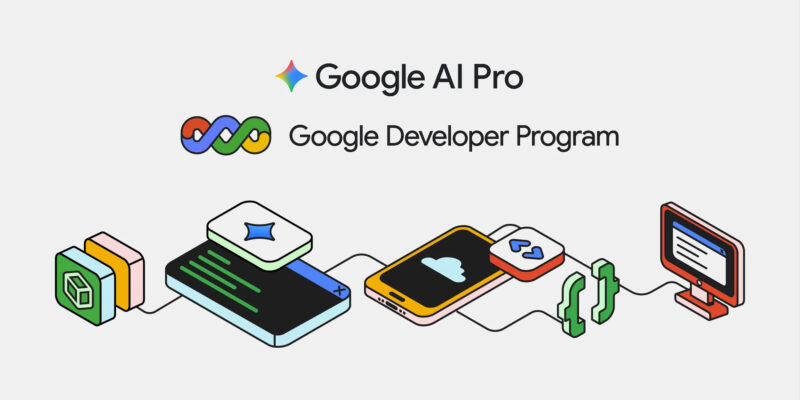
In a recent update detailed on their official blog, Google announced that they are merging the benefits of the Google Developer Program (GDP) Premium into their Google AI Pro and Google AI Ultra subscriptions.
Here is the breakdown of what this means for your workflow and your wallet.
The Update: Bridging the Gap
Previously, there was a slight friction point in the AI development lifecycle. You would use Gemini Advanced (via your AI subscription) to generate code, debug, and prototype. But when it came time to actually deploy that application to the cloud, you needed a separate Google Cloud billing account setup.
With this update, Google is aiming to create a seamless “Vibe Coding” experience—moving from natural language prompts to a deployed application without hitting a paywall for small-scale testing.
What Do You Get?
The core benefit here is monthly Google Cloud credits. This allows you to run instances, store data, or use APIs without dipping into your own pocket for every minor experiment.
- Google AI Pro Subscribers: Now receive $10 USD/month in Google Cloud credits.
- Google AI Ultra Subscribers: Now receive $100 USD/month in Google Cloud credits.
This is automatically included in your existing subscription price; there is no additional fee.
Why This Matters for Developers
While $10 might not sound massive to an enterprise, for an individual developer, it covers a surprising amount of ground. That allows for:
- Running a small containerized app on Cloud Run.
- Hosting a static site with a backend function.
- Testing Google’s other APIs (like Vision or Translation).
For the Ultra users, $100/month is a serious amount of credit that allows for substantial testing environments or even running moderate-traffic production apps essentially for free (bundled with your AI tool).
How to Activate It
If you are already a subscriber to AI Pro or Ultra, you don’t need to re-subscribe. However, you likely need to link your accounts.
- Head over to your Google Developer Profile.
- Look for the option to activate your Premium benefits.
- Ensure your billing profile is set up to receive the credits.
This is a smart move by Google to compete with the likes of GitHub Copilot and Vercel. By bundling the tools to build (Gemini) with the infrastructure to host (Google Cloud), they are making their ecosystem much more “sticky” for developers.
Are you planning to utilize these credits for a side project? Let me know in the comments what you plan to build first!