Are you tired of juggling multiple tabs for ChatGPT, Claude, and Gemini? Do you worry about your private data being used to train public models?
Meet LobeHub — the open-source, all-in-one AI workspace that lets you chat with every major LLM (including local ones like Ollama) in a single, beautiful interface.
And the best part? You can host it yourself, on your own terms.
Today, I’m sharing a Smart Setup Script that installs a production-ready LobeHub stack (including RAG, Search, and Storage) in under 5 minutes.
Why LobeHub?
LobeHub isn’t just a chat UI; it’s a complete operating system for AI agents.
1. Multi-Model Superpower
Switch between GPT-4o, Claude 3.5 Sonnet, Gemini 1.5 Pro, and DeepSeek instantly within the same chat.
- Local AI: Connect seamlessly to Ollama running locally on your machine for 100% offline, private AI.
- Compare Mode: Ask one question, get answers from two models side-by-side.
2. Knowledge Base (RAG)
Stop pasting text. Upload PDFs, Word docs, or Markdown files directly.
LobeHub uses pgvector (vector database) to understand your documents contextually, allowing you to “chat” with your entire library.
3. Plugin Ecosystem
Extend capabilities with 100+ plugins:
- Web Search: Real-time access to Google/DuckDuckGo (via SearXNG).
- Image Gen: DALL-E 3, Midjourney, or Flux integration.
- Website Crawler: Extract content from any URL.
4. Privacy First
When you self-host LobeHub:
- Your Data: Stays on your server. No training on your conversations.
- Your Keys: You use your own API keys (Pay-as-you-go), often cheaper than $20/month subscriptions.
The “One-Click” Solution
Setting up LobeHub manually involves configuring PostgreSQL (with extensions), MinIO (for storage), Redis, and authentication. It’s a headache.
I’ve created a Unified Setup Script that handles everything automatically.
What’s Included?
- LobeHub: The cutting-edge UI.
- PostgreSQL + pgvector: Pre-configured for RAG/Knowledge Base.
- MinIO / RustFS: S3-compatible storage for your file uploads.
- SearXNG: Private meta-search engine for web browsing capabilities.
- Security: Auto-generated secrets and encryption keys.
Installation Guide
Prerequisites
- macOS: Docker Desktop or OrbStack installed.
- Linux / Raspberry Pi: The script will auto-install Docker for you.
- RAM: 4GB minimum (8GB recommended for RAG).
Run the Installer
Open your terminal and paste this single command:
# Create directory and download script
mkdir -p ~/self-hosted/lobehub && cd ~/self-hosted/lobehub
curl -O https://raw.githubusercontent.com/duynghien/auto/main/lobehub/setup.sh

# Run the setup
chmod +x setup.sh && ./setup.sh
Configuration Menu
The script is interactive. You’ll be asked to:
- Language: English or Vietnamese.
- Network Mode:
- Localhost: Private access only.
- LAN: Accessible from other devices on your Wi-Fi.
- Storage: Choose RustFS (lightweight) or MinIO (standard).
Sit back and relax. In about 2-5 minutes, your personal AI station will be ready.
Post-Install Setup
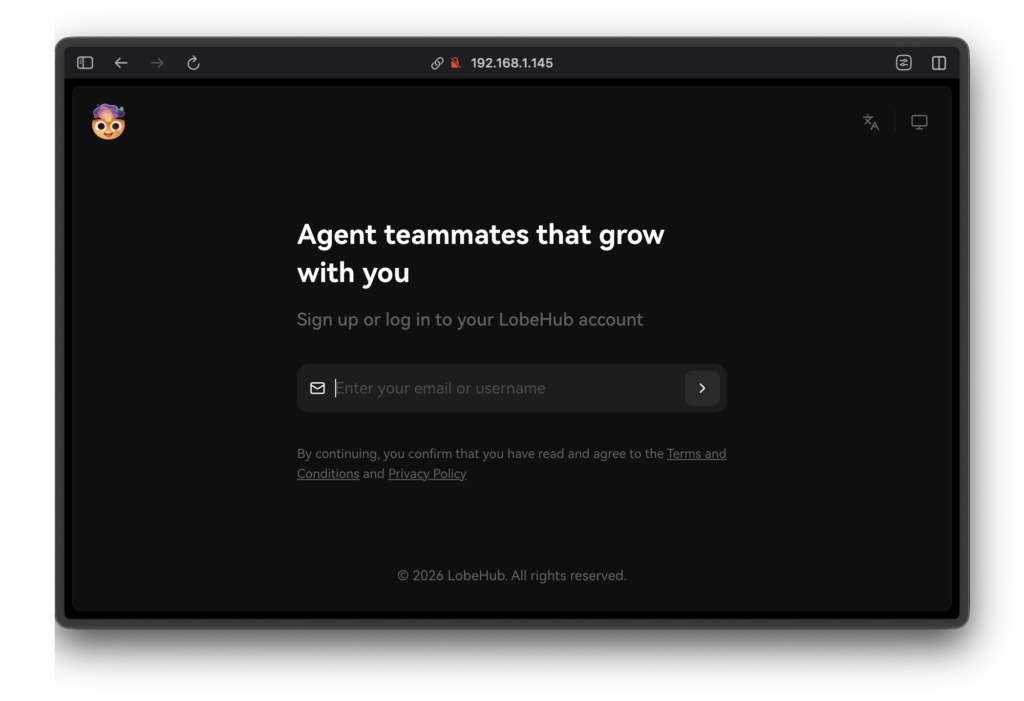
Once installed, verify access at http://localhost:3210.
1. Add API Keys
Go to Settings -> Language Models:
- Enter your OpenAI / Anthropic / DeepSeek API keys.
- For Ollama, ensure it’s running and check the connection.
2. Enable “Web Search”
- Open a new chat.
- Click Plugins -> Store.
- Install “Search” (or verify SearXNG is connected).
- Ask: “What is the latest AI news today?”
3. Management
Use the helper script to manage your instance:
cd ~/self-hosted/lobehub

./lobe.sh restart      # Restart services
./lobe.sh update       # Pull latest updates
./lobe.sh logs         # View logs
Self-hosting LobeHub gives you the power of enterprise-grade AI with the privacy of a personal notebook. With this automation script, the technical barrier is removed.
Start your AI journey today!
Star the project on GitHub: duynghien/auto