



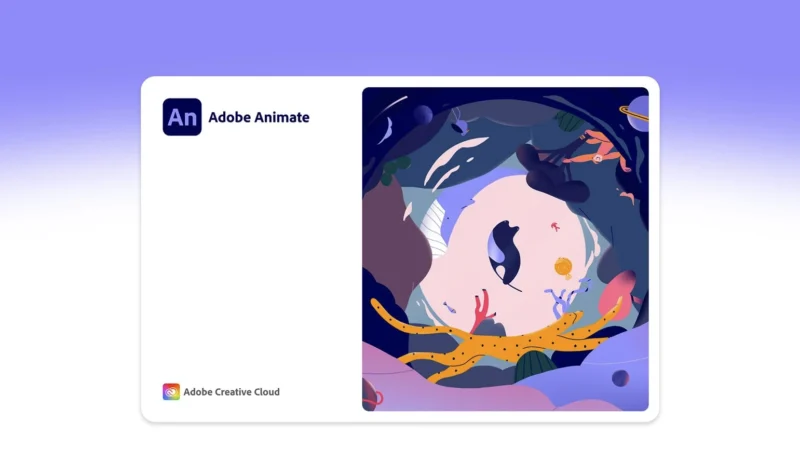
Adobe Animate 2022 (Universal M1 vs Intel)
Adobe Animate 2022 is a powerful multimedia authoring and animation tool that enables designers and developers to create engaging interactive content for ...
macOS
Adobe Acrobat Pro DC 2022 (Universal M1 vs Intel)
Adobe Acrobat Pro DC 2022 is the latest version of Adobe’s flagship PDF editor software. ...
macOS
Adobe After Effects 2022 (Universal M1 vs Intel)
What is the Adobe After Effects? As a powerful software for creating stunning visual effects ...
macOS
How to Install Lightroom Presets in 2023
As the process of installing the Presets to Lightroom, Lightroom Classic and Lightroom Mobile is ...
macOS
How to change the standard names of screenshots in macOS and what it can be useful for
The operating system for Apple computers, macOS, allows you to take screenshots or record videos ...
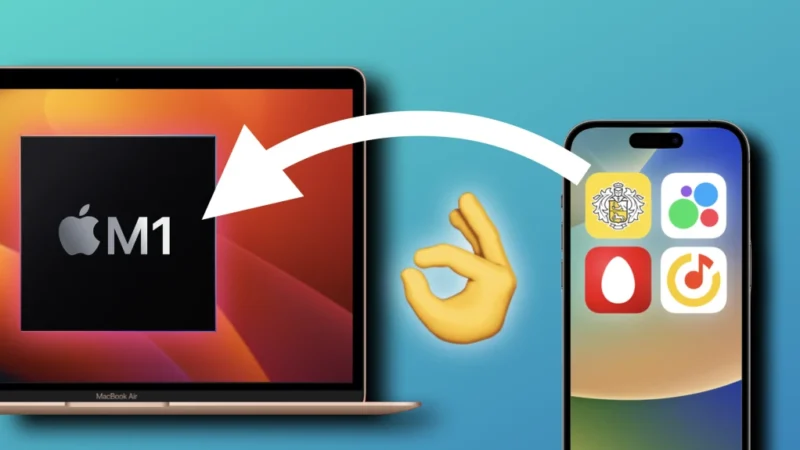
How to Install Any iOS App or Game on Mac with Silicon M1/M2 Chip
In this guide, I’ll show you how to bypass Apple and developers’ ban on installing and running iOS games and apps on ...
macOS
How to change the lock screen wallpaper on macOS Ventura
In the fall of 2022, Apple released its new macOS Ventura. There were quite a few ...
macOS
Adobe Premiere Pro 2022 – Professional video editing software
What is Adobe Premiere Pro? Adobe Premiere Pro is a professional video editing software developed ...

macOS
How to use SSH for secure connections in macOS
The Secure Shell — SSH — allows you to send secure, encrypted, communications between computers ...

macOS
How to keep an ancient Mac mini running
Old Macs still have a lot to offer in terms of usage and functionality. Here’s ...