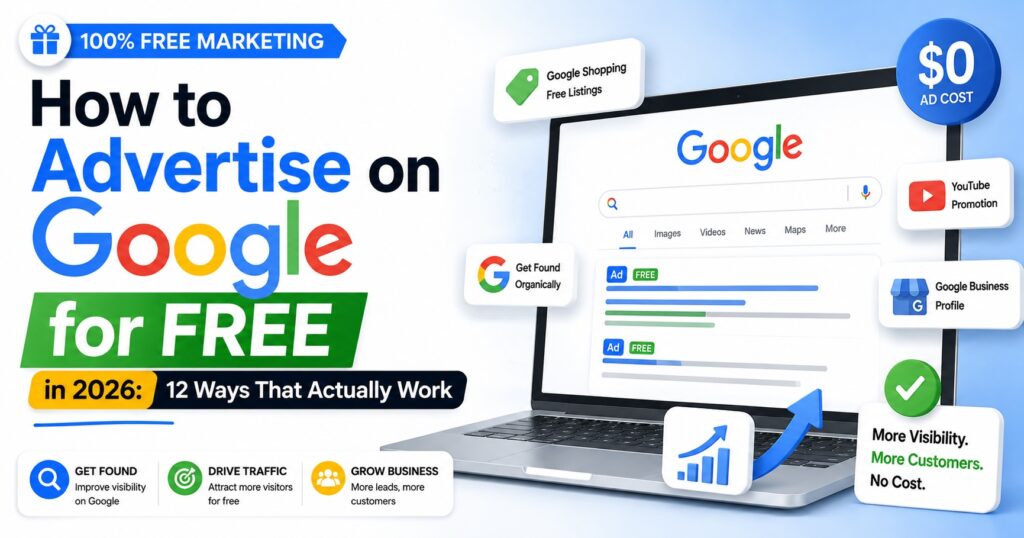
Most people assume that “Google” and “free” do not belong in the same sentence. Google Ads runs on your card, and the bill can climb fast.
But after years of running paid campaigns for clients at AdScaleLab, we have watched plenty of small businesses pull real traffic and real sales out of Google without spending anything on ads. Google gives away a lot of free visibility on its own surfaces, and it hands new advertisers free ad credits on top of that.
Here are twelve ways to advertise on Google for free in 2026, roughly ordered from quickest to set up to more advanced. None of them need an ad budget to start.
1. Claim and complete your Google Business Profile
This is the single highest-return free thing you can do. A Google Business Profile is your free listing on Google Search and Google Maps, and for local searches it often sits above the paid ads.
- Use your real business name, category, and service area
- Add your phone, website, and opening hours
- Upload real photos rather than stock images
- Write a clear description of what you actually do
2. Get free product listings on Google Shopping
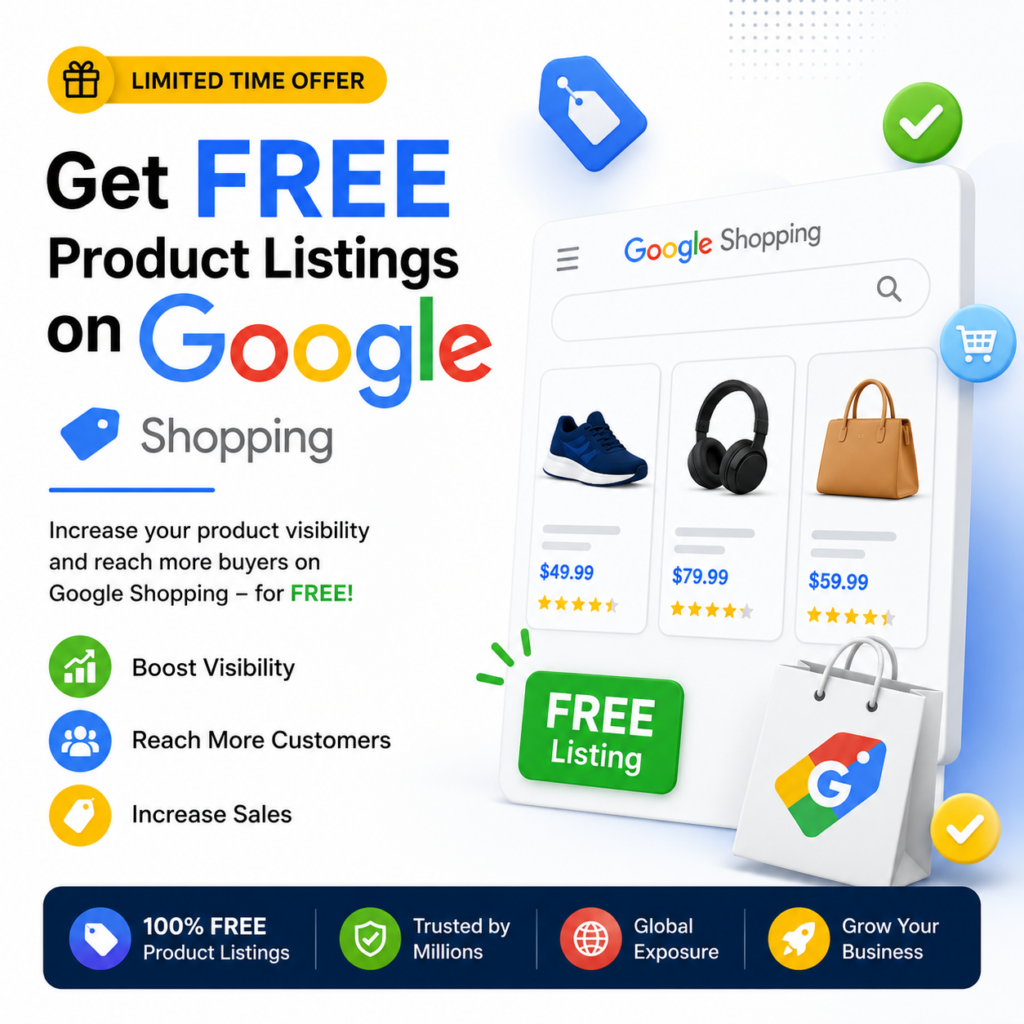
Not many people know this: you do not have to pay to appear in Google Shopping. Through Google Merchant Center you can upload your products and get free listings across the Shopping tab and parts of Search.
- Create a Merchant Center account and add your product feed
- Keep titles, prices, and stock accurate
- Let paid Shopping ads take the premium spots while free listings still reach buyers
3. Rank in organic search with basic SEO
Every position on page one that is not an ad is a free advertising slot. Organic search is slower than paid, but it compounds over time.
- Write pages that target the exact phrases your buyers type
- Answer the real questions people ask about your product
- Keep pages fast and easy to read on mobile
- Earn a few relevant links from real sites in your space
4. Win the local pack for “near me” searches
Beyond simply claiming your profile, a little local SEO helps you land in the three-result local pack that shows for “near me” searches.
- Keep your name, address, and phone identical everywhere online
- Use your city and service terms naturally on your site
- Add a page for each location or area you serve
5. Use YouTube as a free search engine
YouTube is owned by Google, it is the second largest search engine in the world, and uploading is free. A short, useful video can rank in both YouTube and Google Search.
- Answer one common customer question per video
- Keep it honest and practical, no studio needed
- Put your link in the description
6. Reach the Google Discover feed
Google Discover shows fresh, helpful content to people on their phones before they even search. You cannot buy your way in, but strong content can earn free feed impressions.
- Publish timely, genuinely useful articles
- Use a clear, high-quality lead image
- Cover topics your audience actively cares about
7. Claim Google’s free ad credits
This is the closest thing to genuinely free Google Ads. Google regularly gives new advertisers promotional credits, often a spend-and-match offer, through Google Ads promo codes, the Google Partners network, and programs like Google for Startups.
- Split the credit into small tests instead of one big campaign
- Test a few tight audiences against each other
- Keep whatever converts and drop the rest
8. Post regularly on your Business Profile
Your Business Profile is not set-and-forget. Google Posts let you publish offers, updates, and events straight onto your profile, where they show in Search and Maps.
- Post a real offer or update every week
- Answer questions in the Q&A section
- Keep the profile active, since Google favors fresh profiles
9. Collect Google reviews
Reviews do two free jobs at once: they push your profile higher in local results, and they convince people to choose you over the competitor next to you.
- Ask happy customers right after a good experience
- Make it easy with a direct review link
- Reply to every review, positive or negative
10. Build a free site and get it indexed
If you do not have a website yet, Google Sites lets you build a basic one for free. Even a simple three-page site gives Google a real page to rank and a home for the links you share elsewhere.
- Cover what you do, proof, and how to contact you
- Point your Business Profile, YouTube, and social links back to it
- Keep it fast and mobile-friendly
11. Use Google Search Console to get found
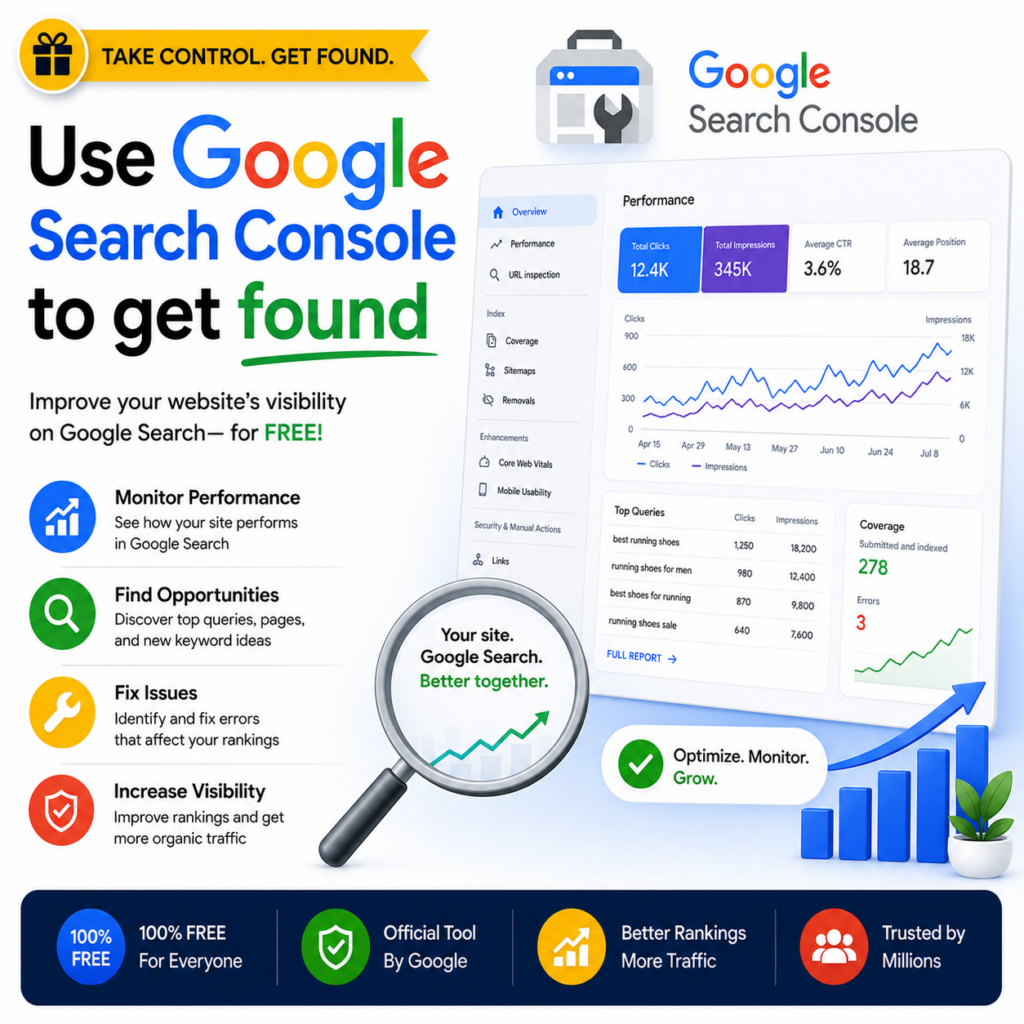
Search Console is Google’s free tool that shows exactly how your site appears in search: what you rank for, what is indexed, and what is broken.
- Submit your sitemap
- Check that your important pages are actually indexed
- Fix anything Google flags
12. Let Google’s automation spend your free credit
If you claimed a free credit but do not want to manage campaigns by hand, Smart campaigns and Performance Max let Google’s automation do the targeting. Point it at your goal, load the credit, and let it run.
- Set a single clear goal, such as calls or sales
- Load the free credit rather than your own money
- Use it to learn what your audience responds to
When free hits its ceiling
Free methods are the right way to start, and for a small local business they can carry you a long way. But there is a ceiling. When you are ready to scale into serious paid budget, fresh Google Ads accounts run into low spend limits and sudden suspensions that can wipe out campaigns overnight.
When you reach that point, you can get Google Ads agency accounts from a provider like AdScaleLab, which give you higher spend limits and far more stability, so a single ban cannot take down everything you have built. Plenty of businesses start on the free methods above, then move to an agency account the moment free traffic can no longer keep up with demand.
Final thoughts
Advertising on Google for free takes more patience than paid, but it works. Start with the two that move fastest, your Google Business Profile and free Shopping listings, then layer on organic search, YouTube, and reviews over time. Claim any free ad credit Google offers, and spend it on small tests rather than one big gamble.
Do this consistently and you will show up across Google, on Search, Maps, Shopping, and YouTube, with no ad budget. And when free is no longer enough, you will already understand what converts before you scale into paid.
Frequently Asked Questions
Are there really free Google Ads?
Google does not offer free ad campaigns through Google Ads, but it gives new advertisers free promotional credits, and it offers genuinely free visibility through Business Profile, free Shopping listings, YouTube, and organic search.
Does Google give free ad credit?
Yes. New Google Ads accounts often qualify for promotional credits, usually a spend-and-match offer, available through Google Ads promo codes, the Google Partners network, and programs like Google for Startups.
Can I advertise on Google Maps for free?
Yes. A verified Google Business Profile puts you on Google Maps and local Search at no cost, and it often appears above the paid results.
How do I get free Google Shopping listings?
Set up Google Merchant Center and add your product feed. Your products then become eligible for free listings across the Shopping tab and Search.
Is SEO free advertising on Google?
Organic search costs no ad spend, so in that sense it is free. It does cost time and effort, but a page that ranks keeps sending traffic long after the work is done.