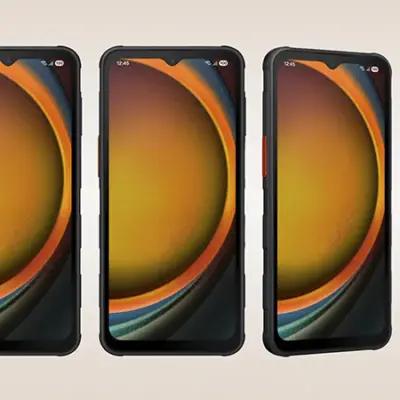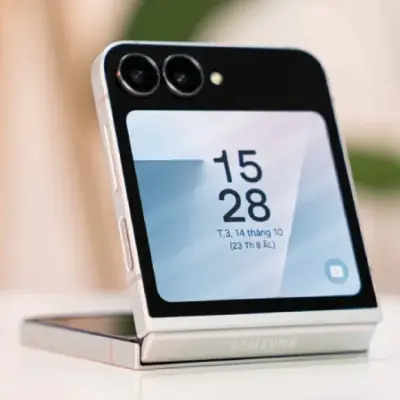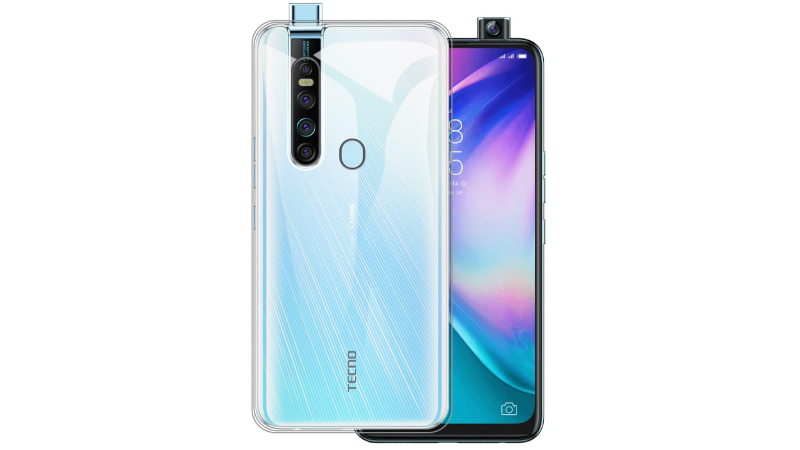
The 16.59 cm (6.53) Full HD+ Display (with a brightness of 480 nits) of this mobile phone gives you a large and full view of games, movies, and more so that you can enjoy an immersive experience.
This mobile phone comes with a 48 MP quad-camera setup with quad flash, sensor, and an f1.79 aperture that allows you to take breathtaking HDR images. The Ultra Night Lens (supported by the DSP chip, AI image synthesis, light optimisation, and noise reduction) enables you to capture beautiful images even when the light sources around you are limited.
Equipped with a 32 MP pop-up camera with AI beauty mode, you can make your selfies look artistic and eye-catching. The Ultra Night Clear Selfies feature helps you take clear selfies even at night so that you can capture every moment.
This mobile phone offers up to 128 GB internal memory to ensure that you get to store all your favourite pictures, videos, music, and various apps on your phone. The 6 GB RAM gives you the ability to multitask and swiftly switch between apps without any lags.
The smartphone is fueled by a Non-removable Li-Po 4000 mAh battery.
Prerequisites & Preparation
- Backup Data: Flashing will completely wipe all data on your device. Back up important files and settings before proceeding.
- Battery Level: Ensure your device has at least 50% battery to prevent shutdown during the flashing process.
- USB Driver & Tools: Install the correct USB drivers for your brand and prepare the flashing tool (Odin for Samsung, SP Flash Tool/QPST for Qualcomm/MTK, etc.).
CAUTION: Flashing official firmware carries a risk of bricking your device. Proceed with caution and at your own risk. addROM is not responsible for any damage caused to your device.
Download Stock ROM & Firmware
Global / General
| File Type | Firmware / Build | Region / Model | OS Version | Download Link |
|---|---|---|---|---|
| Stock ROM | Stock ROM | Global / General | – | Google Drive |
| Stock ROM | Stock ROM | Global / General | – | Google Drive |
| Stock ROM | Stock ROM | Global / General | – | Google Drive |
| Stock ROM | Stock ROM | Global / General | – | Google Drive |
| Stock ROM | Stock ROM | Global / General | – | Google Drive |
| Stock ROM | Stock ROM | Global / General | – | Google Drive |
| Stock ROM | Stock ROM | Global / General | – | Google Drive |
How to Flash Firmware / Stock ROM
To flash the stock firmware on your Tecno device using SP Flash Tool, follow these steps:
- Download and install the MTK USB Drivers on your computer.
- Download and extract the SP Flash Tool.
- Launch
Flash_tool.exeas administrator. - Click on the Scatter-loading button and select the Android scatter file (
.txt) from the extracted firmware folder. - Click the Download button.
- Power off your device completely, hold the Volume Down or Volume Up button, and connect it to the computer via USB cable.
- The flashing process will start automatically. Wait for the green “Download OK” checkmark to appear.