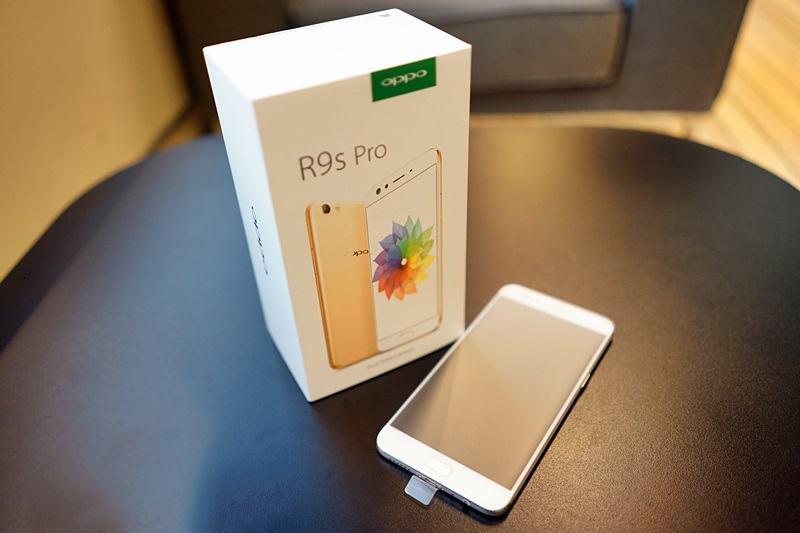
Here you can download the latest official Stock ROM (Firmware) files for the OPPO R9s Pro CPH1613 – unbrick, remove lockscreen. These files are essential for repairing software issues, fixing bootloops, upgrading/downgrading the OS, or restoring your device to its factory state.
Prerequisites & Preparation
- Backup Data: Flashing will completely wipe all data on your device. Back up important files and settings before proceeding.
- Battery Level: Ensure your device has at least 50% battery to prevent shutdown during the flashing process.
- USB Driver & Tools: Install the correct USB drivers for your brand and prepare the flashing tool (Odin for Samsung, SP Flash Tool/QPST for Qualcomm/MTK, etc.).
CAUTION: Flashing official firmware carries a risk of bricking your device. Proceed with caution and at your own risk. addROM is not responsible for any damage caused to your device.
Download Stock ROM & Firmware
Additional Files & Tools
- CPH1613EX_11_OTA_013_all_201707150952.ozip
- CPH1613EX_11_A.13_170715.rar
- CPH1613EX_11_A.13_170715_QFIL.rar
- OPPO_ALL_TOOL.rar
- link dự phòng
- QDLoader_HS-USB_Driver.rar
- drivers_Qualcomm.rar
- QPST_2.7-00437.1.rar
How to Flash Firmware / Stock ROM
To flash the stock firmware on your OPPO device using MSMDownloadTool (DownloadTool), follow these steps:
- Download and install the OPPO / Realme USB Drivers on your computer.
- Download and extract the firmware package (which includes the
MsmDownloadTool.exeorDownloadTool.exe). - Launch
MsmDownloadTool.exeas administrator. If prompted, log in with authorized credentials or use an activation tool/bypass. - Power off your device completely.
- Hold the Volume Up and Volume Down buttons, then connect the device to the computer via USB cable.
- The tool should detect your device. Click the Start button to begin the flashing process.
- Wait until the progress bar reaches 100% and shows a green “Download Complete” or “Success” status.