
Key Takeaway: Agent Skills turns your AI coding agent into a process‑driven “senior engineer” by loading reusable, production‑grade workflows directly into its context.
Why AI coding agents need Agent Skills
Most AI coding agents are great at producing code quickly, but terrible at following the disciplined process senior engineers use in real projects. They skip specs, underinvest in tests, gloss over security and performance, and ship changes that are hard to review. Agent Skills is an open‑source toolkit by Addy Osmani that encodes those missing workflows—specs, planning, testing, review, shipping—into structured skills your agent must follow.
What is addyosmani/agent-skills?
The addyosmani/agent-skills repository is a collection of production‑grade engineering skills designed specifically for AI coding agents. Each skill packages a step‑by‑step workflow that tells the agent how to approach a task: when to ask clarifying questions, how to structure a spec, what to test, how to verify, and which red flags to avoid.
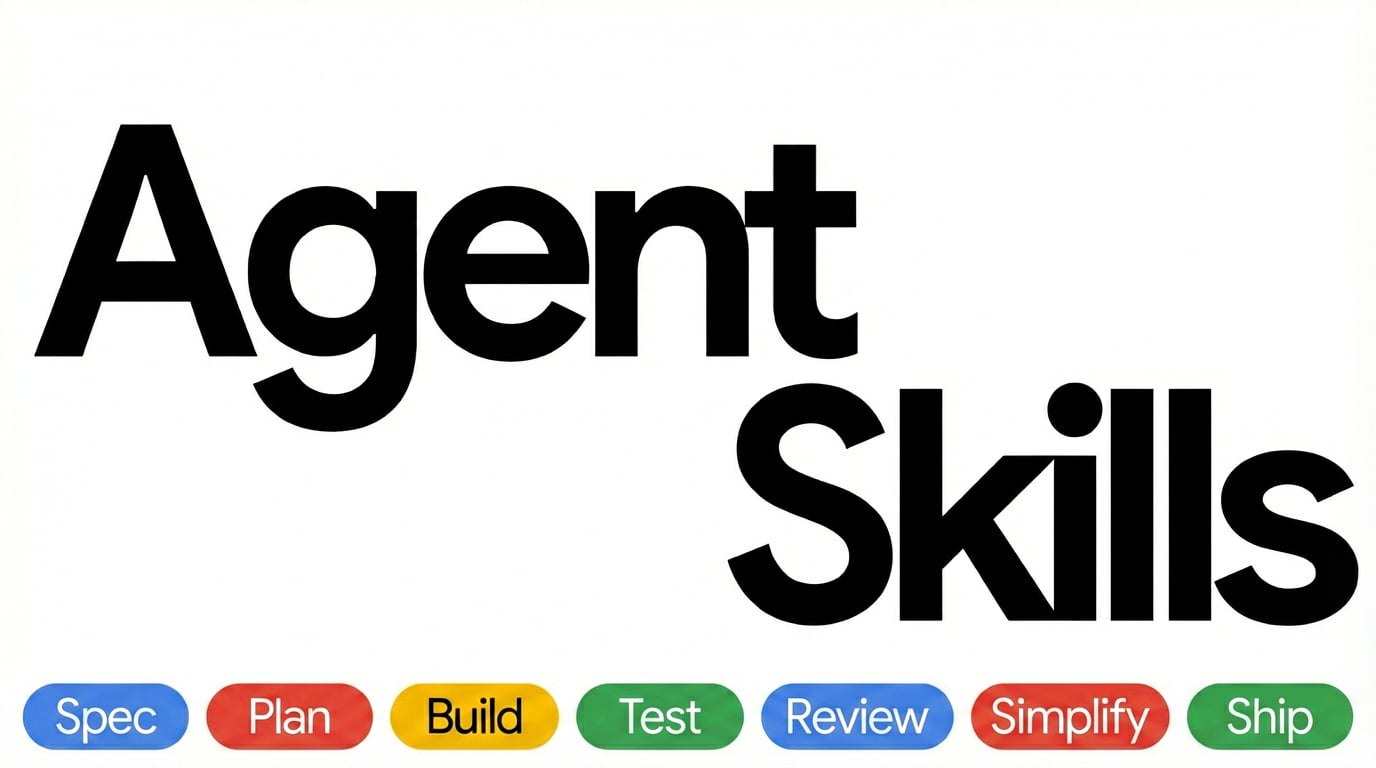
Instead of relying on a single clever prompt, you load one or more skills into the agent’s context so it is forced to work through the same phases a senior engineer would: Define → Plan → Build → Test → Review → Ship.
Key properties:
- Open‑source and extensible: you can fork, customize, and add your own skills.
- Based on real‑world engineering practices from large‑scale software teams.
- Compatible with multiple tools and IDE agents (Claude Code, GitHub Copilot, Cursor, Windsurf, and others that support instruction files).
Official resources you should bookmark:
- GitHub repo: https://github.com/addyosmani/agent-skills github
- Agent Skills homepage/spec: https://agentskills.io/home agentskills
How Agent Skills are structured
At the core of the format, a “skill” is just a directory containing a SKILL.md file plus optional scripts and reference materials. The repository distinguishes three composable layers:
- Skills (
skills/<name>/SKILL.md): workflows with steps, triggers, verification rules, and exit criteria—the how. - Personas (
agents/<role>.md): roles and output formats for the agent—the who. - Slash commands (
.claude/commands/*.md): user‑facing entry points that map to one or more skills—the when.
A typical skill directory looks like this:
skills/
  spec-driven-development/
    SKILL.md        # Required: skill definition
    scripts/        # Optional: helper scripts
    spec-driven-development.zip  # Packaged skill
Inside SKILL.md you’ll find:
- Front‑matter metadata (
name,description, “use when” triggers). - Workflow sections describing process, verification, red flags, and common failure modes.
- Optional usage examples or references to additional files for deep dives.
Installing addyosmani/agent-skills
You can install and use Agent Skills in two main ways:
- Directly from the GitHub repository (ideal for self‑hosted agents, custom backends, or local experimentation).
- Indirectly via platform‑specific features (e.g., “rules” files or skills marketplaces) by copying individual skills.
Clone the repository
If you are running your own agent stack (Node, Python, Docker, n8n, etc.), start with a plain clone:
git clone https://github.com/addyosmani/agent-skills.git
cd agent-skills
This gives you access to all skills, personas, and commands locally so you can read, version, and selectively load them into your system.
Explore the skills directory
Next, inspect the skills/ folder to see what’s available.
ls skillsYou’ll find skills like:
spec-driven-development– force the agent to write a spec before coding.incremental-implementation– implement changes in reviewable slices.test-driven-development– require tests before or alongside code.code-review-and-quality– structure how the agent performs code reviews.
Open any SKILL.md to see when you should use it, the exact steps the agent must follow, and the verification checks it should perform before exiting.
Keep skills under version control
A recommended practice is to keep your chosen skills in the same repository as your codebase, so both humans and agents share the same “source of truth” for workflows. For example, you might:
- Copy selected skills into
.github/skills/or.claude/skills/in your application repo. - Add a
rules/orAGENTS.mdfile that documents which skills to load for which tasks.
This makes it easier to review changes to workflows and enforce consistent engineering practices across teams and environments.
Loading Agent Skills into your AI coding environment
Once the repo is available locally, the next step is to connect it to the AI tools you actually use.
Using skills via system prompts or rules files
For any agent that supports system messages or long‑lived “rules” files (e.g., CLAUDE.md, .cursorrules, AGENTS.md), the general pattern is:
- Start with the “meta‑skill” for discovery – e.g., a
using-agent-skillsskill that helps the agent pick which workflow to load. - Copy the content of specific
SKILL.mdfiles into your system prompt or rules file. - Reference skills by name in your instructions:
- “Follow the
spec-driven-developmentprocess for this feature.” - “Use
test-driven-developmentbefore changing this module.”
The key is to not load every skill at once; instead, load only the skills relevant to the current task to conserve context and keep the agent focused.
Integrating with tools like Cursor, Claude Code, Copilot
Many modern coding environments support some notion of instruction files or skill imports, and Agent Skills is designed to plug into those.
Typical integration patterns:
- Claude Code / Claude.ai
- Paste raw
SKILL.mdcontent into a new conversation or add it to the project’s rules file. - Use slash commands that map to skills, such as
/spec,/plan,/build,/test,/review,/ship. - Cursor, Windsurf, Copilot‑style tools
- Add skills to
.cursorrulesor equivalent configuration where the agent reads persistent instructions. - Reference specific skills when invoking actions (e.g., “Use the
code-review-and-qualityskill to review this PR”). - Self‑hosted or custom agents
- Build a small “skill loader” that reads
skills/<name>/SKILL.mdand injects it into the system prompt when intent matches the skill’s triggers. - Optionally expose skills as API‑selectable capabilities (e.g.,
?skills=spec-driven-development,test-driven-development) to integrate with other tools in your stack.
Core skills you should start with
If you only load a few skills, these are the high‑leverage ones recommended in the docs:
spec-driven-development
Forces a written spec before non‑trivial work, including success criteria, risks, boundaries, and verification plans.test-driven-development
Pushes the agent to design tests first, define test data, and avoid “happy path only” coverage.incremental-implementation
Breaks work into reviewable increments, with clear checkpoints and rollback paths.code-review-and-quality
Guides the agent through a systematic review: readability, correctness, security, performance, and maintainability.debugging-and-error-recovery(name may vary)
Enforces a stop‑the‑line approach to bugs: capture evidence, form hypotheses, run controlled experiments, and only then change code.
These skills are designed to stack: you might start with spec-driven-development, follow with incremental-implementation and test-driven-development during implementation, then finish with code-review-and-quality before merging.
GEO‑friendly prompts and usage patterns
To make Agent Skills work well in generative environments (GEO), structure your prompts so they clearly map to skills and phases instead of vague tasks.
Examples of GEO‑friendly prompts:
- “Use the
spec-driven-developmentskill to write a spec for a new password reset flow in my Next.js app.” - “Follow
test-driven-developmentto add unit and integration tests for this Stripe webhook handler.” - “Apply
code-review-and-qualityto this pull request and list concrete changes needed before merge.”
These prompts are descriptive, state the goal, and mention the exact skills you want invoked, making it easier for generative engines to route correctly.
Customizing skills for your team and codebase
Agent Skills is designed to be forked and adapted to your own engineering culture and stack.
Practical customization ideas:
- Tune triggers and boundaries
- Edit
descriptionand “use when” sections so skills match your internal vocabulary (“service”, “feature flag”, “experiment”, “monorepo package”, etc.). - Add stack‑specific checks
- Extend verification steps with checks for your frameworks, e.g., Lighthouse budgets for web apps, Core Web Vitals, or specific CI workflows.
- Bundle scripts under
scripts/ - Attach Bash scripts that run linting, tests, performance checks, or deployment previews; skills can call these scripts instead of inlining complex commands.
- Keep
SKILL.mdlean, reference heavy docs separately - The spec recommends keeping
SKILL.mdunder about 500 lines and linking toREFERENCE.mdor other documents for deep details.
By evolving skills in version control alongside your codebase, you progressively encode more of your organization’s “senior judgment” into the agent’s workflows.
FAQ: common questions about Agent Skills
Is Agent Skills tied to any specific LLM or vendor?
No—Agent Skills is an open format and repo that works with any agent or IDE that can load Markdown instructions into context or system prompts.
Do I need to load every skill at once?
Definitely not; you should only load skills relevant to the current task, both to save context and to make it easier for the agent to follow the right workflow.
Can I use Agent Skills in a self‑hosted or Dockerized setup?
Yes. Since skills are just files, you can mount the repository into any container, read SKILL.md files at runtime, and inject them into your own agent orchestration layer.
How is this different from just writing longer prompts?
Skills are structured, reusable, version‑controlled workflows with explicit verification and red‑flag sections, not one‑off prompts; this makes them easier to audit, share, and enforce across teams and tools.
If you already rely on AI coding agents in your web projects, forking addyosmani/agent-skills, loading a handful of core skills, and wiring them into your IDE or self‑hosted stack is one of the fastest upgrades you can make to reliability and engineering quality.








