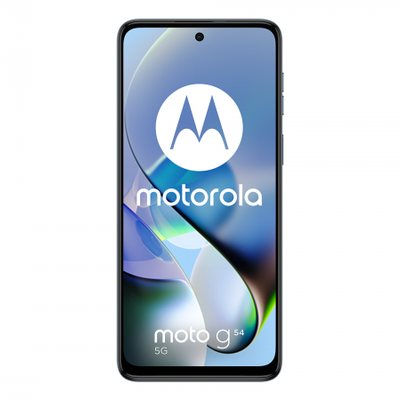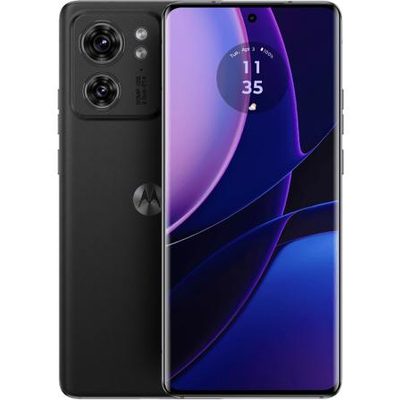
The smartphone boasts a 6.7-inch AMOLED display with 1 billion colors, a 120Hz refresh rate, and up to 1200 nits brightness. It has a 1080 x 2412 resolution (~394 ppi) and Crystal Shield Glass protection. The IP68/IP69 rating ensures dust and water resistance up to 1.5m for 30 minutes, though extreme conditions are not guaranteed.
Running on Android 15 with ColorOS 15, it is powered by the Qualcomm Snapdragon 6 Gen 1 (4nm) chipset, featuring an octa-core CPU (4×2.2 GHz Cortex-A78 & 4×1.8 GHz Cortex-A55) and Adreno 710 GPU. Storage options include 128GB/8GB RAM, 256GB/8GB RAM, 256GB/12GB RAM, and 512GB/12GB RAM with UFS 3.1, but no microSD slot.
The dual-camera setup includes a 50MP (f/1.8) wide lens with PDAF and a 2MP (f/2.4) depth sensor, supporting 4K@30fps and 1080p@30/120fps video with gyro-EIS. The 8MP front camera (f/2.0, 25mm wide) records at 1080p@30fps.
Oppo A5 features stereo speakers but lacks a 3.5mm jack. Connectivity includes Wi-Fi 6, Bluetooth 5.1, GPS, NFC, and USB Type-C 2.0 with OTG. The 6500mAh Si/C Li-Ion battery supports 45W wired and 13.5W PD charging. Available in Black, Blue, and Pink.
Prerequisites & Preparation
- Backup Data: Flashing will completely wipe all data on your device. Back up important files and settings before proceeding.
- Battery Level: Ensure your device has at least 50% battery to prevent shutdown during the flashing process.
- USB Driver & Tools: Install the correct USB drivers for your brand and prepare the flashing tool (Odin for Samsung, SP Flash Tool/QPST for Qualcomm/MTK, etc.).
CAUTION: Flashing official firmware carries a risk of bricking your device. Proceed with caution and at your own risk. addROM is not responsible for any damage caused to your device.
Download Stock ROM & Firmware
Global / General
| File Type | Firmware / Build | Region / Model | OS Version | Download Link |
|---|---|---|---|---|
| Stock ROM | MT6835 | Global / General | Android 11 | Google Drive |
How to Flash Firmware / Stock ROM
To flash the stock firmware on your OPPO device using SP Flash Tool, follow these steps:
- Download and install the MTK USB Drivers on your computer.
- Download and extract the SP Flash Tool.
- Launch
Flash_tool.exeas administrator. - Click on the Scatter-loading button and select the Android scatter file (
.txt) from the extracted firmware folder. - Click the Download button.
- Power off your device completely, hold the Volume Down or Volume Up button, and connect it to the computer via USB cable.
- The flashing process will start automatically. Wait for the green “Download OK” checkmark to appear.