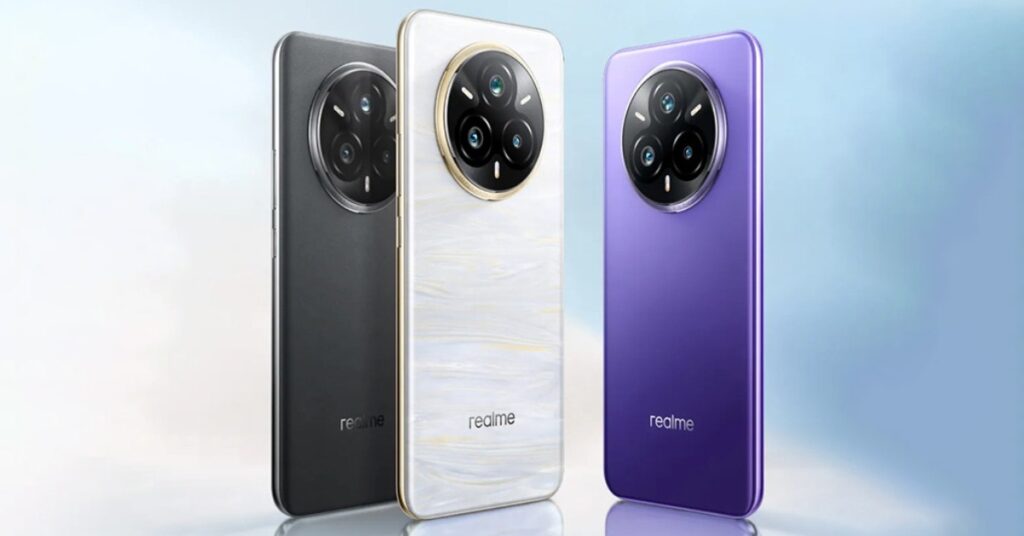
Capture every moment on your realme 14 Pro in stunning detail with the Sony IMX882 OIS camera. Enjoy crystal-clear photos that bring your memories to life with unmatched clarity and precision.
Experience unmatched speed and efficiency with a high-quality chipset at the heart of your reaalme 14 Pro. From seamless multitasking to lightning-fast app launches and smooth gaming, this powerhouse ensures top-tier performance that keeps up with your every move.
Experience ultra-smooth scrolling and vibrant visuals on a stunning 120 Hz curved display. Designed for seamless interaction and immersive viewing, it’s a screen that keeps up with you.
Use your phone, without charging anxiety. From streaming videos to playing your games, the phone will keep going. The powerful battery ensures longer, uninterrupted hours which allows you to power through your day.
Capture stunning night shots with triple flash technology, delivering brighter, sharper, and more detailed photos—even in the darkest settings.
Prerequisites & Preparation
- Backup Data: Flashing will completely wipe all data on your device. Back up important files and settings before proceeding.
- Battery Level: Ensure your device has at least 50% battery to prevent shutdown during the flashing process.
- USB Driver & Tools: Install the correct USB drivers for your brand and prepare the flashing tool (Odin for Samsung, SP Flash Tool/QPST for Qualcomm/MTK, etc.).
CAUTION: Flashing official firmware carries a risk of bricking your device. Proceed with caution and at your own risk. addROM is not responsible for any damage caused to your device.
Download Stock ROM & Firmware
Global / General
| File Type | Firmware / Build | Region / Model | OS Version | Download Link |
|---|---|---|---|---|
| Stock ROM | 15.0.0.540EX01 | Global / General | Android 11 | Google Drive |
How to Flash Firmware / Stock ROM
To flash the stock firmware on your Realme device using SP Flash Tool, follow these steps:
- Download and install the MTK USB Drivers on your computer.
- Download and extract the SP Flash Tool.
- Launch
Flash_tool.exeas administrator. - Click on the Scatter-loading button and select the Android scatter file (
.txt) from the extracted firmware folder. - Click the Download button.
- Power off your device completely, hold the Volume Down or Volume Up button, and connect it to the computer via USB cable.
- The flashing process will start automatically. Wait for the green “Download OK” checkmark to appear.