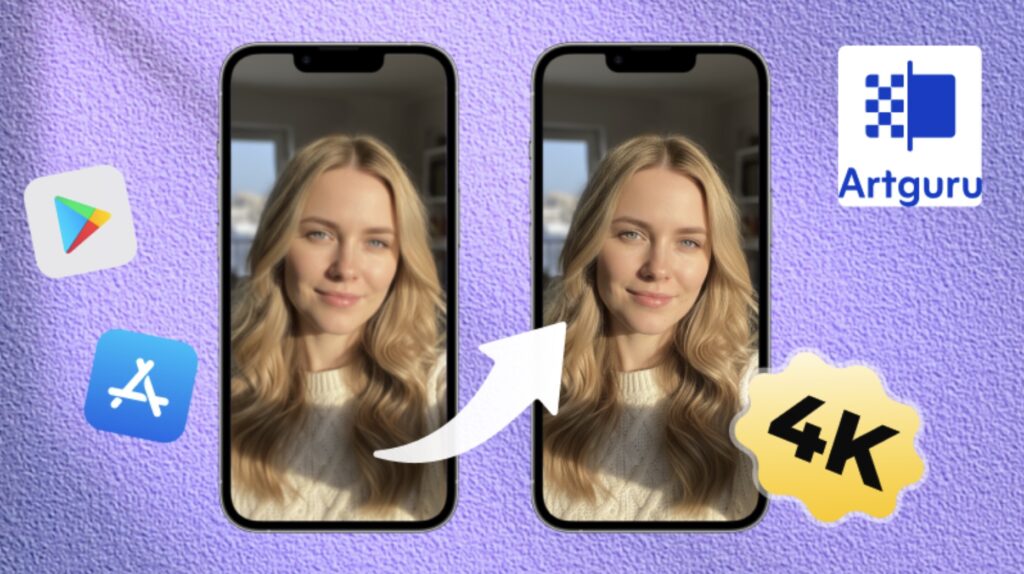
Mobile images run the internet. That’s not a hot take, it’s just reality. Product shots, Instagram posts, receipts, screenshots, random moments that suddenly matter later. Almost everything visual starts on a phone now.
The problem is, phone cameras are good, but not always when you need them to be. Lighting is weird. Hands shake. Zoom ruins everything. And suddenly that “quick photo” becomes something you hesitate to share or use. This is where an AI image enhancer quietly becomes part of the mobile workflow, whether people realize it or not.
Why High-Quality Mobile Images Matter and the Common Challenges
High-quality mobile images matter because they’re often used beyond their original purpose. A quick snap turns into a product listing. A casual photo becomes a website asset. A screenshot ends up in a presentation or document. If the image looks soft or messy, it reflects on whatever it’s attached to.
Mobile photography also comes with built-in challenges that no amount of optimism fixes:
- Low light situations that add noise
- Digital zoom that destroys detail
- Motion blur from fast moments
- Over-sharpening from phone software
- Compression from messaging apps and downloads
Phones are designed for speed, not perfection. And that’s fine, until the image actually needs to look professional.
Mobile Image Challenges Across Different Use Cases
The same phone image can fail in different ways depending on how it’s used. For social media, softness reduces engagement. For ecommerce, it reduces trust. For documents, it hurts readability.
Phone pictures are often the only choice for product presentations, menus, signs, or quick advertisements for small business owners. While the image may appear decent on the phone display, defects become visible quickly once it is uploaded to a website or sold place.
Students and professionals deal with screenshots, scanned notes, whiteboards, and diagrams. Text becomes fuzzy. Lines blur together. Reading gets harder than it should be.
Even personal photos aren’t immune. Family pictures, travel shots, memories you actually care about can end up stuck in low resolution, especially if they were shared or saved multiple times.
How AI Image Enhancement Helps Upgrade Mobile Images
This is where AI image enhancement changes things. Instead of trying to capture the perfect shot every time, an AI image enhancer improves what already exists. It can fill in missing detail, unblur image, sharpen intelligently, reduce noise, and balance contrast without turning images into plastic-looking messes.
The key difference is that AI enhancement isn’t just sharpening. It understands what’s in the image. Faces, text, objects, backgrounds, all get treated differently. That’s why enhanced mobile images can suddenly look like they were taken with better equipment, even though nothing about the original capture changed.
For mobile users, this means fewer retakes, less frustration, and more usable images overall.
How Artguru Helps Mobile Images Look Professional
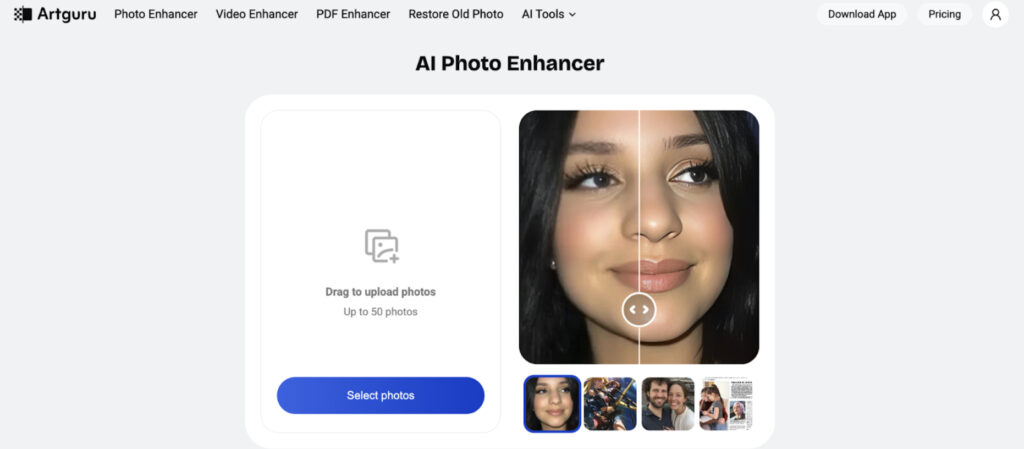
This is where Artguru fits naturally. It’s designed to work fast and work well on mobile, which matters more than people admit. Most images are edited on phones now, not desktops.
Artguru’s AI Image Enhancer boosts image quality up to 4K while keeping details realistic. That matters a lot for mobile photos, where overprocessing can make things look fake fast. Skin stays natural. Text stays readable. Textures don’t disappear.

In the case of photographs requiring utmost detail, the AI Image Upscaler has the ability to increase the resolution all the way to 8K. This comes in handy for mobile pictures that are used for banners, prints, and large screens, where the resolution suddenly becomes a significant factor.
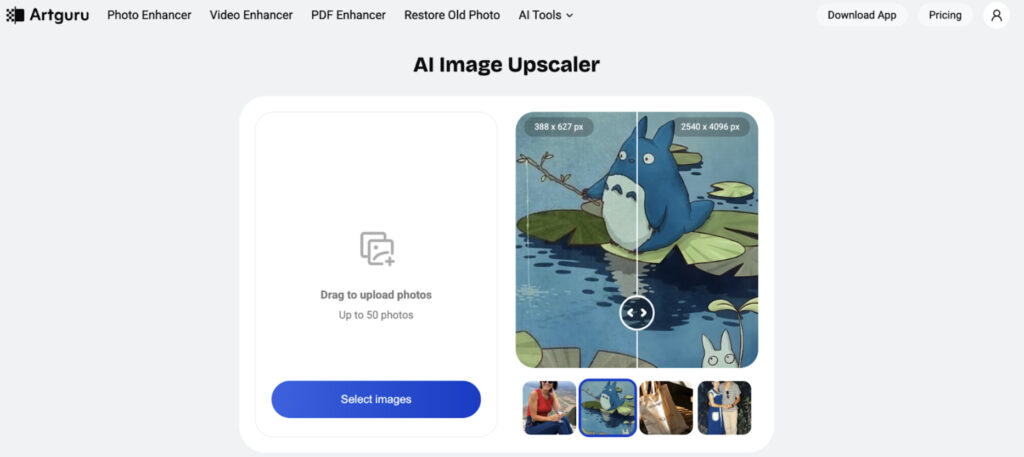
Artguru also handles text inside images extremely well. Screenshots, notes, signs, and documents captured on phones become sharper and easier to read, which is huge for students and professionals alike.
And because Artguru works across web, iOS, and Android, images edited on a phone don’t get trapped there. You can enhance on mobile and use the result anywhere.
Mobile Editing Without the Usual Headaches
One of the reasons mobile editing often feels painful is complexity. Too many sliders. Too many options. Too much guessing. Artguru avoids that. You upload, choose what you need, and let the AI do its thing.
Batch processing is another quiet advantage. If you have multiple mobile images from the same shoot or event, you can enhance them together instead of repeating the process one by one. That consistency helps images feel intentional, not random.
Best Practices for Consistent and High-Quality Mobile Images
AI helps a lot, but a few habits make results even better:
- Avoid heavy zoom when possible, enhance later instead
- Keep original images backed up before editing
- Enhance images once, not repeatedly
- Use consistent enhancement settings for similar images
- Focus on clarity, not extreme sharpness
These small choices keep images looking natural while still benefiting from AI improvement.
Conclusion
High-quality mobile images aren’t about having the newest phone or perfect lighting every time. They’re about making the most of what you capture. AI photo enhancement bridges the gap between convenience and professionalism, turning everyday mobile images into visuals you can confidently use anywhere.
Artguru and other similar tools have enabled a complete makeover, reuse, and sharing of mobile photos without a second thought. This flexibility is especially important in a society where many things start on a phone.