
Key Takeaways:
Hermes Workspace is a self-hosted, MIT-licensed web workspace that transforms NousResearch’s Hermes Agent into a full multi-agent control plane — chat, memory, skills, terminal, MCP, and Swarm orchestration in one zero-fork interface you can spin up with a single
docker compose up.
If you have been hunting for a serious alternative to commercial AI chat wrappers — something you can self-host, audit, and extend — Hermes Workspace deserves a spot at the top of your list. Built on top of the NousResearch/hermes-agent runtime and maintained at github.com/outsourc-e/hermes-workspace, it positions itself not as another chat UI, but as a complete operations console for autonomous AI agents.
This guide walks through what Hermes Workspace actually is, how to install it the fast way (Docker), and how to use the most important panes once it is running.
What Is Hermes Workspace
Hermes Workspace is a native web application — installable as a PWA — that pairs with a running Hermes Agent backend over two HTTP services: a gateway on port 8642 for chat, models, and streaming, and a dashboard on port 9119 for sessions, skills, jobs, and configuration.
The project’s tagline says it plainly: “Not a chat wrapper. A complete workspace.” Where most open-source UIs stop at message bubbles and a model picker, Hermes Workspace adds an integrated file browser with Monaco editor, a cross-platform PTY terminal, an agent memory inspector, a skills marketplace with 2,000+ entries, a Model Context Protocol (MCP) catalog, and — in v2.1 — a true Swarm control plane for orchestrating many persistent agents from one screen.
Why It Stands Out
A few things distinguish Hermes Workspace from the crowded AI-UI landscape:
- Zero-fork architecture. Version 2 runs on vanilla
hermes-agentinstalled via Nous Research’s own installer. There is no patched fork to maintain, which means upstream updates land cleanly. - Capability gates instead of crashes. Features that need an upstream endpoint (like Conductor missions) show a clean placeholder when unavailable instead of failing mid-action.
- Security by default. Auth middleware sits on every route, CSP headers are enforced, path-traversal guards protect the file browser, and the server is fail-closed: it refuses to bind to non-loopback interfaces unless
HERMES_PASSWORDis set. - Truly local-friendly. It speaks any OpenAI-compatible backend — Ollama, LM Studio, vLLM, llama.cpp, LocalAI, Atomic Chat — so you can run the entire stack offline.
- MIT licensed. Commercial use, modification, and redistribution are all permitted.
Core Features at a Glance
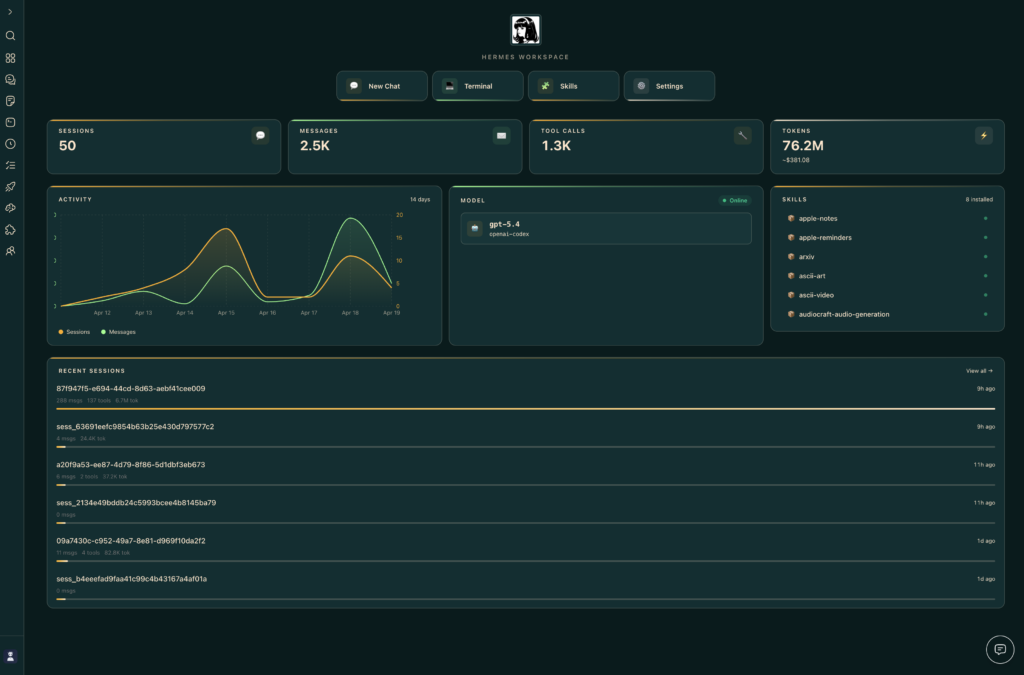
The workspace ships with the following first-class panes:
- Chat — real-time SSE streaming, tool-call rendering, multi-session, markdown with syntax highlighting.
- Memory — browse, search, and live-edit agent memory in a markdown editor.
- Skills — explore 2,000+ skills with origin badges, filters, source paths, and a built-in marketplace.
- MCP — full catalog + marketplace + sources page, with fallback to local config CRUD.
- Files + Terminal — Monaco-powered workspace browser and a cross-platform pseudo-terminal.
- Operations — multi-agent dashboard with profile presets (Sage, Trader, Builder, Scribe, Ops) and a “Needs setup” detector.
- Conductor — mission dispatch and decomposition, with dashboard-backed missions when available and a Workspace-native Swarm fallback otherwise.
- Agent View — live agent panel in chat with avatar, queue, history, and a usage meter.
- Swarm Mode — persistent tmux-backed Hermes Agent workers, role-based dispatch (builder, reviewer, docs, research, ops, triage, QA, lab), Kanban TaskBoard, and a byte-verified review gate.
- Dashboard — aggregated overview of sessions, model mix, cost ledger, attention card, and ops strip.
- Themes — Hermes, Nous, Bronze, Slate, Mono in both light and dark.
- PWA + Tailscale — install as a native-feeling app, accessible from any device on your tailnet.
Installation Guide
Hermes Workspace gives you three installation paths. Pick whichever matches your situation.
Path 1: Docker Compose (Recommended, ~2 minutes)
This is the cleanest route for self-hosters and home labs. The Docker setup runs both the Hermes Agent gateway and the workspace together, with agent state persisted in a claude-data volume.
# 1. Clone the repository
git clone https://github.com/outsourc-e/hermes-workspace.git
cd hermes-workspace

# 2. Copy the environment template
cp .env.example .env
Edit .env and add at least one LLM provider key — for example:
OPENAI_API_KEY=sk-...
# or OPENROUTER_API_KEY=sk-or-v1-...
# or GOOGLE_API_KEY=AIza...
# Ollama / LM Studio / local servers don't need a key
Then launch the stack:
docker compose upOpen http://localhost:3000, complete the onboarding flow, and you are running.
Path 2: One-Line Install (Local Dev on macOS/Linux, ~3 minutes)
If you would rather run the workspace from source on your laptop:
curl -fsSL https://raw.githubusercontent.com/outsourc-e/hermes-workspace/main/install.sh | bashThis installs hermes-agent via Nous Research’s official installer, clones the repo, sets up .env, and installs dependencies. Then start the two processes:
hermes gateway run                  # terminal 1
cd ~/hermes-workspace && pnpm dev   # terminal 2
Path 3: Attach to an Existing Hermes Agent (~1 minute)
Already running hermes-agent? Just point a fresh workspace clone at it:
git clone https://github.com/outsourc-e/hermes-workspace.git
cd hermes-workspace
pnpm install
cp .env.example .env

echo 'HERMES_API_URL=http://127.0.0.1:8642'      >> .env
echo 'HERMES_DASHBOARD_URL=http://127.0.0.1:9119' >> .env
# If API_SERVER_KEY is set on the gateway, mirror it here:
# echo 'HERMES_API_TOKEN=***' >> .env

pnpm dev
Verify both services before opening the UI:
curl http://127.0.0.1:8642/health      # should return ok
curl http://127.0.0.1:9119/api/status  # should return dashboard metadata
For remote access over Tailscale, VPN, or LAN, set both URLs to the reachable IP (for example http://100.x.y.z:8642) and ensure the gateway binds to all interfaces with API_SERVER_HOST=0.0.0.0.
Using Hermes Workspace
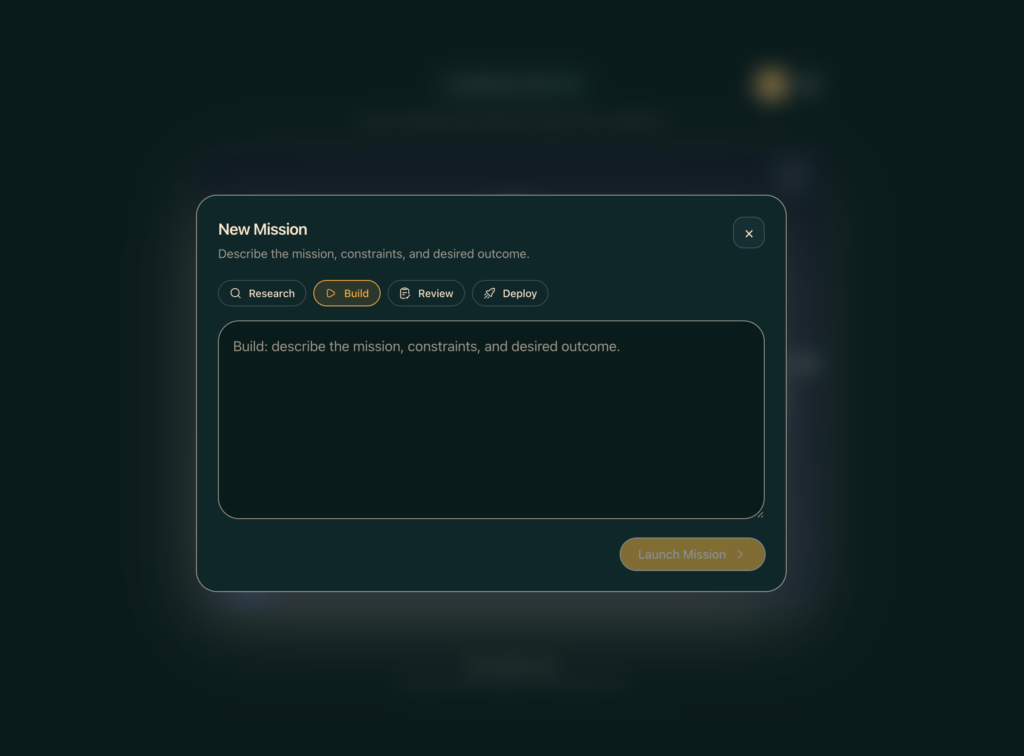
Once the UI loads at http://localhost:3000, here is the typical workflow.
1. Onboarding and Backend Pairing
The first time you open the app, an onboarding wizard probes the gateway and dashboard. If both respond, the enhanced panes (sessions, memory, skills, jobs) unlock automatically. If only the gateway responds, you fall into portable mode — chat still works, but session and memory panes show “Not Available,” which is expected when running against a bare Ollama or LM Studio server.
2. Chat and Sessions
Open the Chat pane and send a message. Streaming responses arrive in real time with tool calls expanded inline. Sessions persist server-side, so you can close the browser, jump back tomorrow, and pick up where you left off.
3. Memory and Skills
The Memory pane lets you inspect — and edit — what the agent has remembered across runs. The Skills pane is essentially a marketplace browser: filter by origin, preview source paths, and install new skills without leaving the workspace.
4. Files and Terminal
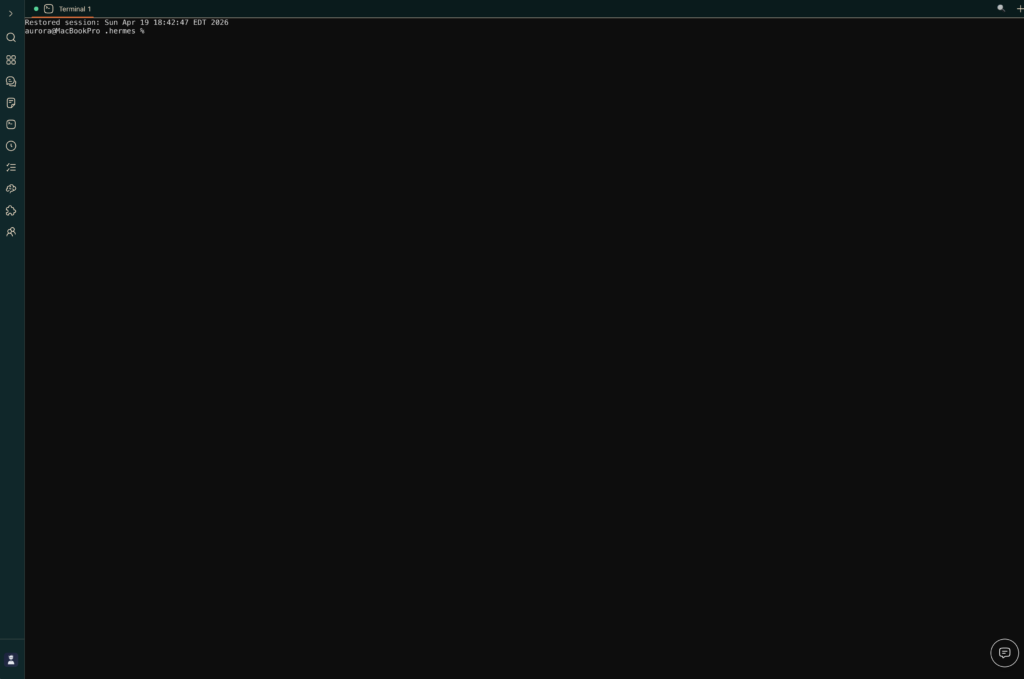
For hands-on work, the Files pane is a full Monaco-powered editor over your workspace directory, and Terminal opens a real PTY shell on the host — handy for quick git, pnpm, or debugging tasks without alt-tabbing to iTerm.
5. Conductor and Swarm Mode
This is the headline feature for power users. Conductor accepts a high-level mission, decomposes it into tasks, and dispatches them. When you turn on Swarm Mode, those tasks fan out to persistent tmux-backed workers with role-based routing (builders code, reviewers gate releases, docs writers update READMEs, etc.). A Kanban TaskBoard shows backlog → ready → running → review → blocked → done, and a byte-verified review gate ensures nothing ships to release branches without checks.
6. Dashboard and Operations
The Dashboard rolls up session counts, model mix, a cost ledger, and an attention card so you can see at a glance which agents need a human. The Operations pane includes profile presets — Sage, Trader, Builder, Scribe, Ops — so you can swap an agent’s role in one click.
Final Thoughts
Hermes Workspace hits a sweet spot that very few open-source projects manage: it is genuinely powerful, it is easy to install, and it is honest about its limits via capability gates rather than silent failures. If you already run Hermes Agent, attaching the workspace takes about a minute. If you are starting fresh, Docker Compose has you chatting within two. And if you want to push further, Swarm Mode opens the door to multi-agent orchestration without leaving the same browser tab.
Star or fork the project on GitHub, drop your API keys into .env, and give your AI agents the cockpit they have been missing.








