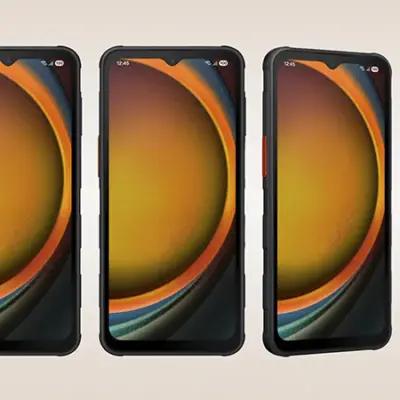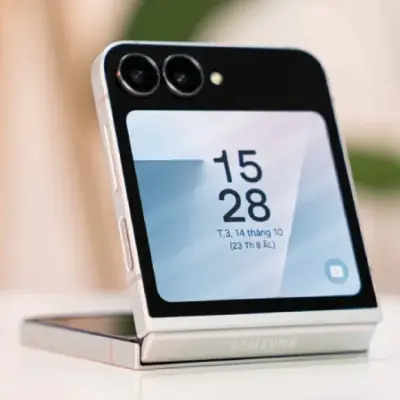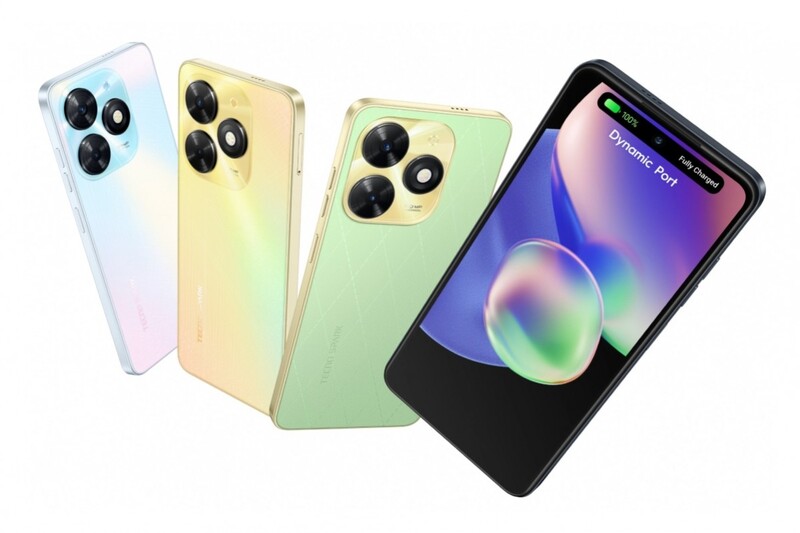
Tecno Spark 20 is made to deliver a flawless user experience. Its enormous 128 GB internal storage and up to 16 GB RAM will astound you. With a dedicated SD card port, you may also increase your storage capacity to 1 TB (using Memory Fusion).
Explore a world of unmatched visual experiences and capture amazing memories with the 50 MP AI Rear camera, which has an f/1.6 aperture.
Enjoy a truly immersive visual experience with our cutting-edge 16.66 cm (6.56) Dot-in Display. With an amazing 90.5% screen-to-body ratio and a staggering 90 Hz refresh rate, you can navigate with ease.
Enjoy blazing-fast smartphone performance thanks to the state-of-the-art Helio-G36 CPU. For those who want the maximum performance from their devices, this top-of-the-line option is its potent Octa-core CPU, which reaches a peak frequency of 2.2 GHz. Experience the best possible smartphone performance by upgrading to the Helio-G36.
With our strong Type-C charger, which has an amazing 18 W output, be ready for lightning-fast charging. You’ll enjoy enhanced battery optimisation and ultra-power conservation with our sizable 5000 mAh battery, making sure you’re always prepared. Furthermore, you won’t ever have to worry about running out of energy when you need it most—a 50% charge can be achieved in just 50 minutes.
With its anti-oil feature, the blazingly quick side-edge fingerprint sensor makes unlocking your device in just 0.65 seconds simpler than ever. If you still find it too slow, our face unlock function lets you access your smartphone in a whopping 0.1 seconds.
Prerequisites & Preparation
- Backup Data: Flashing will completely wipe all data on your device. Back up important files and settings before proceeding.
- Battery Level: Ensure your device has at least 50% battery to prevent shutdown during the flashing process.
- USB Driver & Tools: Install the correct USB drivers for your brand and prepare the flashing tool (Odin for Samsung, SP Flash Tool/QPST for Qualcomm/MTK, etc.).
CAUTION: Flashing official firmware carries a risk of bricking your device. Proceed with caution and at your own risk. addROM is not responsible for any damage caused to your device.
Download Stock ROM & Firmware
Global / General
| File Type | Firmware / Build | Region / Model | OS Version | Download Link |
|---|---|---|---|---|
| Stock ROM | Stock ROM | Global / General | – | Google Drive |
| Stock ROM | Stock ROM | Global / General | – | Google Drive |
| Stock ROM | Stock ROM | Global / General | – | Google Drive |
| Stock ROM | Stock ROM | Global / General | – | Google Drive |
| Stock ROM | Stock ROM | Global / General | – | Google Drive |
| Stock ROM | Stock ROM | Global / General | – | Google Drive |
| Stock ROM | Stock ROM | Global / General | – | Google Drive |
| Stock ROM | Stock ROM | Global / General | – | Google Drive |
| Stock ROM | Stock ROM | Global / General | – | Google Drive |
| Stock ROM | Stock ROM | Global / General | – | Google Drive |
| Stock ROM | Stock ROM | Global / General | – | Google Drive |
| Stock ROM | Stock ROM | Global / General | – | Google Drive |
| Stock ROM | Stock ROM | Global / General | – | Google Drive |
How to Flash Firmware / Stock ROM
To flash the stock firmware on your Tecno device using SP Flash Tool, follow these steps:
- Download and install the MTK USB Drivers on your computer.
- Download and extract the SP Flash Tool.
- Launch
Flash_tool.exeas administrator. - Click on the Scatter-loading button and select the Android scatter file (
.txt) from the extracted firmware folder. - Click the Download button.
- Power off your device completely, hold the Volume Down or Volume Up button, and connect it to the computer via USB cable.
- The flashing process will start automatically. Wait for the green “Download OK” checkmark to appear.