Claw Code: Terminal-Native Open-Source AI Coding Agent for Autonomous Software Engineering

Key Takeaways:
Claw Code is a high-performance, open-source terminal AI assistant that brings autonomous software engineering workflows into a fast, transparent, and fully self-hosted developer experience.
Why autonomous coding agents are rising
Developer tooling is in the middle of a shift from autocomplete helpers to full-blown autonomous software engineering agents that can plan, edit, run, and verify code with minimal human intervention. These agents connect large language models (LLMs) to real tools like the filesystem, terminal, browser, and version control so that a natural-language request can trigger a chain of concrete actions.
Where early AI coding experiences stopped at generating snippets, modern agentic systems orchestrate multi-step workflows: scaffold a service, wire dependencies, run tests, debug failures, and clean up the diff for review. This evolution is especially visible in terminal-first tools such as Claude Code, which treat the CLI as the control plane for autonomous coding.
Claw Code emerges in this landscape as an open-source AI coding agent that mirrors the architecture of these modern tools while remaining fully transparent and self-hosted. For teams that prefer a terminal-centric workflow and value low latency, local control, and hackable internals, Claw Code sits in a compelling sweet spot.
Meet Claw Code: an open-source terminal AI assistant
Claw Code is an open-source AI coding agent framework designed to replicate and extend the architectural ideas behind Claude Code while remaining independent of proprietary codebases. It uses a hybrid Python and Rust implementation: Python orchestrates high-level agent logic and LLM interactions, while Rust powers performance-critical runtime pieces such as terminal rendering and core tooling.
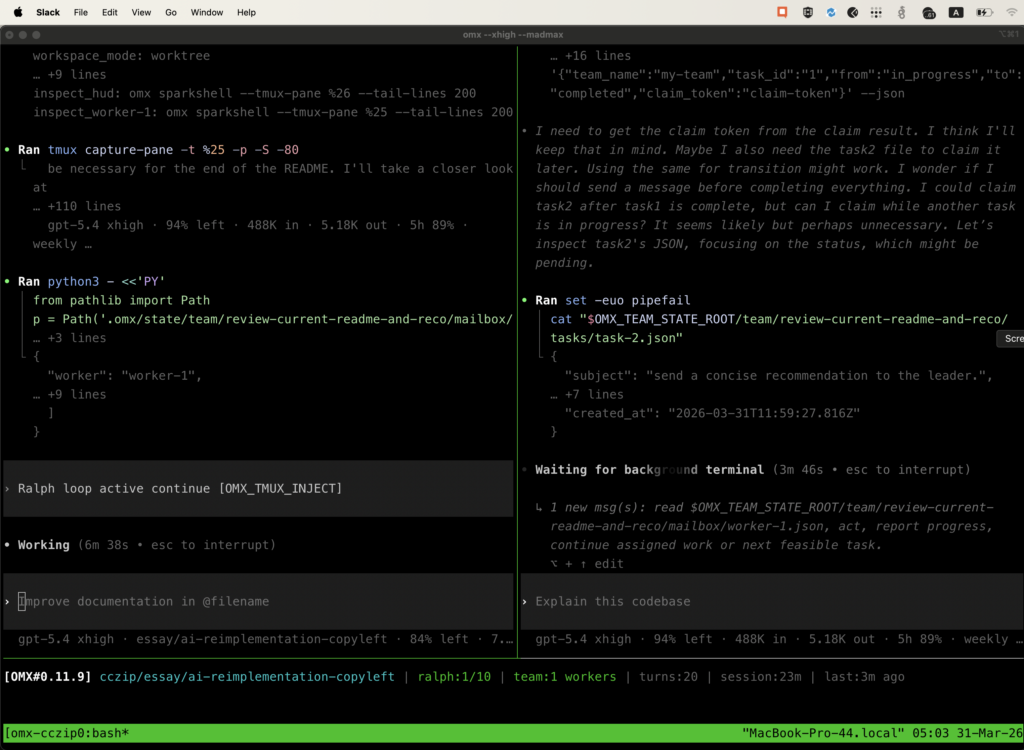
At a high level, Claw Code acts as a terminal AI assistant that can understand your repository, manipulate files, run shell commands, and coordinate tools as part of a structured plan. Instead of a heavyweight IDE plugin, it turns the shell itself into the primary interface, making it a natural fit for developers who already live inside tmux, Neovim, or remote servers.
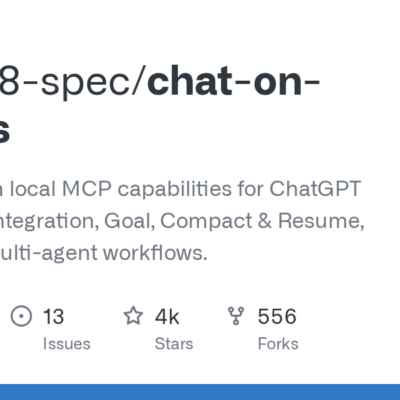
The project lives on GitHub as ultraworkers/claw-code, where it has rapidly accumulated a large number of stars and community attention, reflecting intense interest in open-source alternatives to proprietary agent harnesses. You can explore the source and issues on the Claw Code repository at ultraworkers/claw-code.
Terminal mastery: shell-native integration
From a developer’s perspective, the standout feature of Claw Code is its tight integration with the terminal and shell. Instead of abstracting execution into a hidden sandbox, Claw Code runs in the same environment as your usual commands, which makes its behavior observable and debuggable.
Under the hood, the agent can:
- Execute shell commands such as
pytest,cargo test, ornpm run build, capturing stdout and stderr as context for subsequent reasoning steps. - Perform permission-gated file operations like creating, editing, and deleting files or directories, with explicit tool calls rather than opaque side effects.
- Interact with Git to inspect diffs, stage changes, and prepare commits as part of a larger feature or bug-fix workflow.
This shell-native design turns Claw Code into a terminal AI assistant that can be dropped into existing workflows without requiring a specific editor or cloud-hosted environment. For DevOps-focused teams or backend engineers working primarily over SSH, this is a significant advantage over IDE-only integrations.
Example: running tests through Claw Code
In a typical session, you might ask Claw Code: “Find why the user registration tests are failing and fix them.” The agent could:
- Inspect the repo structure to locate the relevant test suite.
- Run
pytest tests/test_registration.pyin the shell, collect the failing stack traces, and summarize the error. - Open the implicated source files, propose edits, and apply them using its file tools.
- Re-run the tests to confirm that the failure is resolved.
Throughout this flow, every shell command and file change is visible in the same terminal environment the developer already trusts.
Context awareness: mapping your project
Effective autonomous coding requires deep situational awareness of the codebase, and Claw Code is designed to build and exploit this context. Rather than operating on single files in isolation, it can map out project structure, discover entry points, and selectively read relevant files as needed.
Practically, this looks like:
- Scanning directories and language-specific conventions to infer modules, packages, and service boundaries (for example,
src/,apps/,services/). - Loading only the files necessary for a given task to respect token limits while still providing the LLM with rich context.
- Maintaining an internal working set of files and symbols that the agent can revisit as it iterates on a solution.
Because the code is open-source, teams can extend this context-building layer with custom heuristics for monorepos, polyglot stacks, or specific framework layouts. This makes Claw Code attractive for organizations standardizing on self-hosted AI developer tools.
Agentic capabilities: plan, execute, debug
Claw Code is not a simple chat wrapper around an LLM; it is an agentic system that can plan, execute, and refine multi-step development tasks. It exposes a set of permissioned tools (file operations, shell commands, Git actions, web access) that the LLM can call as part of a reasoning loop.
Key agentic behaviors include:
- Planning: Breaking a request like “add OAuth login and end-to-end tests” into a series of concrete steps, such as updating configuration, adding routes, wiring UI components, and writing test cases.
- Execution: Invoking tools in sequence to modify files, run migrations, execute linters, and validate assumptions against real program output.
- Debugging: When a command fails or a test suite breaks, Claw Code can inspect logs, trace failure points, propose fixes, and iterate until the pipeline passes again.
This behavior moves Claw Code toward autonomous software engineering while still keeping a human in the loop through the terminal interface and permission model. For many teams, this represents a pragmatic “bridge” between manual coding and fully autonomous agents.
Installation and setup
Claw Code is distributed as an open-source project, so installation is closer to setting up a self-hosted tool than running a one-line installer. The core harness is built with Rust and Python, and it typically expects access to an external LLM provider such as Anthropic for model calls.
Prerequisites
Before you begin, ensure that the following are installed and configured:
- Rust toolchain via
rustup, which providescargofor building the Rust components. - Python (for orchestration and tooling scripts) with a recent version of
pip. - Node.js and npm or Bun if you plan to integrate with JavaScript-based workflows or tooling around the agent, although the core runtime itself is Rust/Python.
- Anthropic (or compatible) API key, which Claw Code uses to communicate with the underlying LLMs.
Sign up with your chosen provider and obtain an API key string before starting the agent.
Clone and build
In a Unix-like shell (macOS or Linux), a typical installation flow looks like this:
# 1. Clone the repository
git clone https://github.com/ultraworkers/claw-code.git
cd claw-code

# 2. Build the Rust binary
cd rust
cargo build --release

# 3. Create a workspace directory for testing
mkdir -p ~/claw-code-test
cd ~/claw-code-test
These steps clone the Claw Code source, compile the Rust-based CLI into a release binary, and prepare a separate folder where the agent can safely operate on a sample project.
Configure environment variables
Claw Code expects an API key to be available in your shell environment so that it can authenticate requests to the LLM provider. On macOS or Linux, you can export this in the session where you plan to run the agent:
export ANTHROPIC_API_KEY="your-anthropic-api-key"On Windows PowerShell, the syntax is slightly different:
$env:ANTHROPIC_API_KEY = "your-anthropic-api-key"For a more permanent setup, add the export line to your shell profile (for example, ~/.zshrc or ~/.bashrc) and reload the profile so Claw Code and other self-hosted AI developer tools can reuse it across sessions.
In addition to environment variables, Claw Code can be configured via local configuration files (commonly .env or a project-local config JSON/TOML) that specify defaults such as model name, temperature, and tool permissions. This allows per-repo tuning without hard-coding settings into scripts.
Starting your first Claw Code session
With the binary built and your API key exported, you can launch Claw Code from inside a project directory:
# From your project root (for example, ~/claw-code-test)
~/claw-code/rust/target/release/claw
On Windows, this may look like:
~\Desktop\claw-code\rust\target\release\claw.exeThe CLI will typically prompt you to select a model (for example, one of the Claude Sonnet variants) and then drop you into an interactive session where you can type natural-language instructions.
Command structure and prompting
Once the session is active, you can think of Claw Code as a chat-driven terminal AI assistant with a richer command surface than a normal REPL. The basic usage pattern is:
- Describe the outcome you want in natural language.
- Let the agent outline a plan and show which tools it intends to use.
- Approve, modify, or refine the plan.
- Watch the agent execute commands and edit files, stepping in whenever you want to redirect.
For example, to request a complex feature, you might type:
Implement a REST endpoint `/api/invoices/:id/pay` in our FastAPI service.
- Validate that the invoice exists and is unpaid
- Call the existing `charge_customer` helper
- Add tests that cover success, double-payment, and missing invoice
- Wire the route into the router and OpenAPI schema
Claw Code will translate this into a plan, identify the relevant Python modules, and propose a set of file edits and test additions before executing them. Because it operates directly in the project directory, the generated code lands in real files you can inspect in your editor.
Example: prompting for a bug fix
Bug-fix workflows highlight the strength of agentic AI coding agents. A typical flow with Claw Code might look like:
The checkout flow intermittently throws `OrderTotalMismatchError`.
- Find where this exception is raised
- Reproduce the failure with our existing tests
- Identify the logic bug and propose a fix
- Add a regression test that would have caught this
The agent could then:
- Search the project for
OrderTotalMismatchErrordefinitions and call sites. - Run the relevant test suite or command to reproduce the issue.
- Use the error output and stack traces as additional context for its reasoning.
- Apply a patch and run tests again to ensure the bug is resolved.
Because this all runs in your own terminal, you retain full observability and control over each step, which is crucial when experimenting with autonomous software engineering in production codebases.
Where Claw Code fits in the AI coding landscape
Claw Code occupies an important niche among terminal AI assistants: it combines a modern agentic architecture with an open-source, self-hosted implementation that teams can inspect, audit, and fork. For organizations that are wary of black-box SaaS agents but still want powerful autonomous workflows, this combination is compelling.
As an open-source AI coding agent framework, it encourages experimentation with multi-agent orchestration, custom tools, and domain-specific workflows, rather than locking teams into a single hosted service. Its design makes it natural to integrate into CI pipelines, remote development environments, and infrastructure-as-code repositories where a traditional IDE-centric tool would struggle.
If you are a professional engineer, DevOps specialist, or AI enthusiast who lives in the terminal and cares about latency, transparency, and control, Claw Code is worth adding to your toolbox alongside other self-hosted AI developer tools. To explore more and follow development, start with the official repository at ultraworkers/claw-code.